
PerfectTUNES
Hints:
Optimizing your music collection can be a daunting task, from tracks with missing missing artwork, duplicated tracks, to corrupted tracks, typically correcting these issues can be a time consuming task. No longer, imagine a trained professional on hand to help, PerfectTUNES is that professional.
PerfectTUNES Control Centre
PerfectTUNES Control Center is the central location for launching various functions of PerfectTUNES, as well as changing library locations.
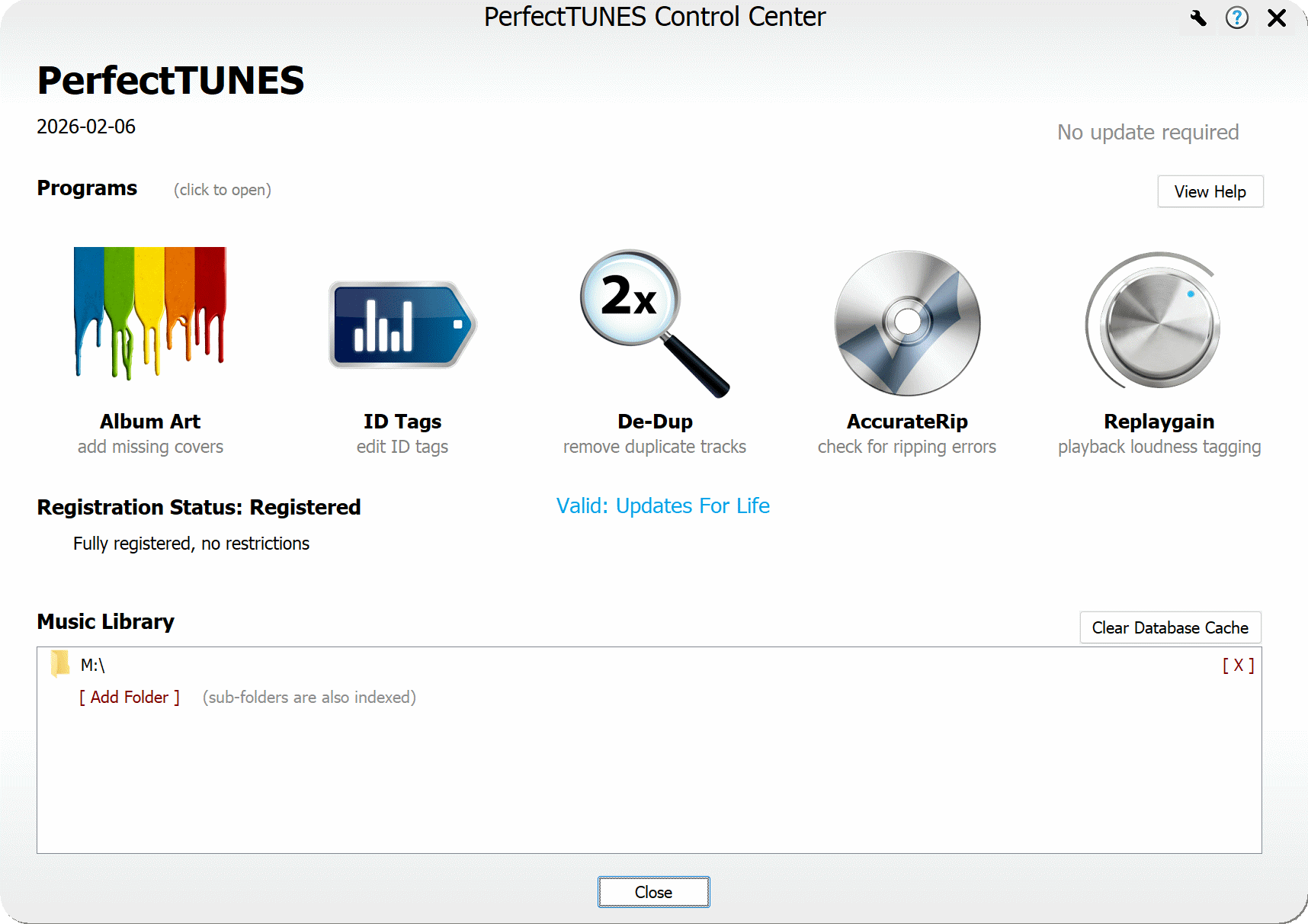
By default your local Music folder will be indexed into PerfectTUNES, if your files are stored elsewhere add the folder to Music Library. The first time PerfectTUNES indexes your music library it will read the tags and art. If De-Dupe is run, a 2nd index will take place which listens to the audio (generating audio finger prints).
PerfectTUNES Functions
Throughout PerfectTUNES is this  help icon, click to show relevant help for that part of the program.
help icon, click to show relevant help for that part of the program.

Version History
Complete changes for each update. [Windows Version Changes] [macOS Version Changes].
Folder Permissions
If your system is restricting access to your music library, then manually add permissions to the Operating System. [ macOS] [ Windows ]
Uninstalling
Uninstall by choosing Start >> type: Installed Apps or on macOS open finder, browse to Applications and drag the application to the trash can.
Copyright © illustrate 2026, All Rights Reserved