
PerfectTUNES { Help Index > AccurateRip }
AccurateRip checks your audio library for ripping errors & file corruption errors (if supported by the format). HDD errors can corrupt audio, certain formats such as FLAC contain internal CRCs which can be checked against the decoded data, a corruption can be detected as a miss-match and reported.
AccurateRip enables lossless CD rips (FLAC, Apple Lossless, Wave, etc) to be checked against an online database to check for ripping errors. It is estimated that 2% of all ripped tracks have a ripping error, which might be audible, or be a block of silence, either way it would be good to know with a certainty the file has no ripping errors.
The premise behind AccurateRip is quite simple, a scratch on your disc would not be in the same location as a scratch on another persons disc, so that if your rip matches another persons rip it is error free. Lossy formats (mp3, AAC) cannot be checked because these formats throw away audio when ripped, AccurateRip can only verify lossless files.
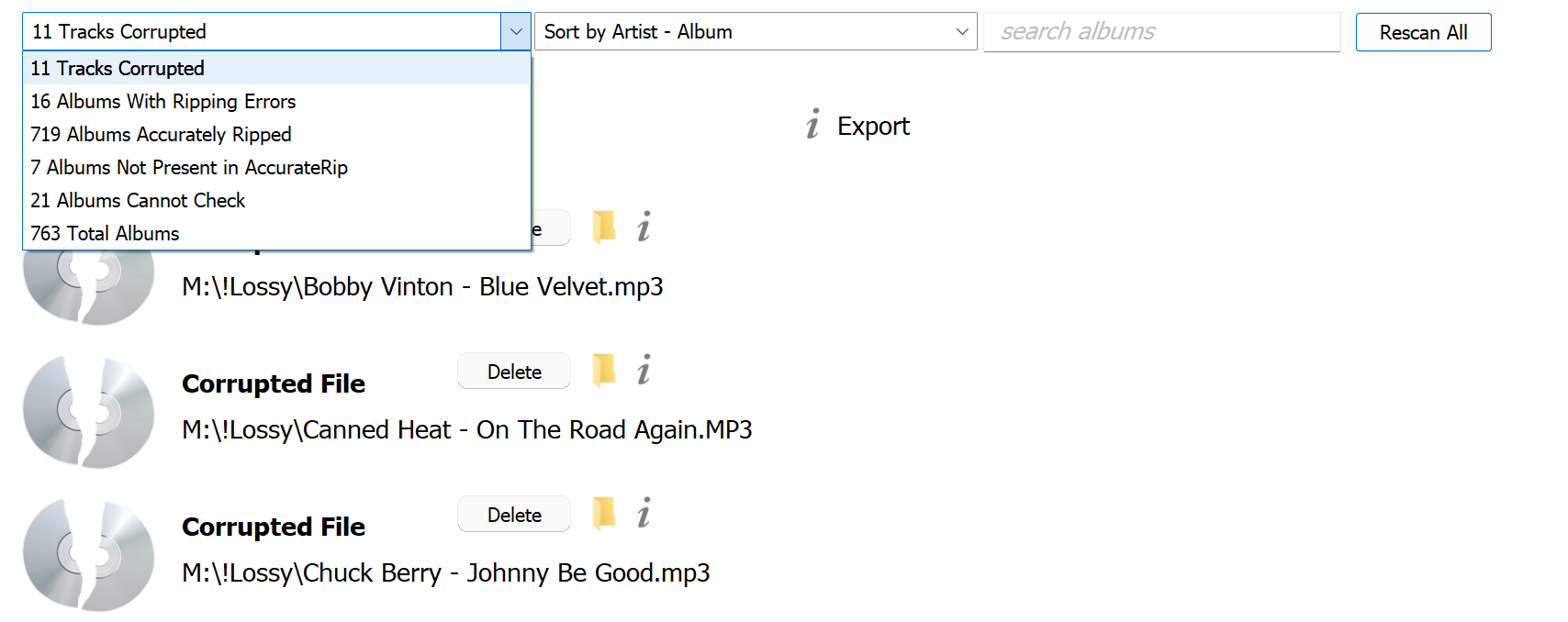
Tracks Corrupted
Lists tracks PerfectTUNES believes are corrupted, they can be deleted, or a list of them exported in text form a list of filenames. The folder icon jumps to that file in location, and the 'i' button gives details about the corruption.
Ripping Errors
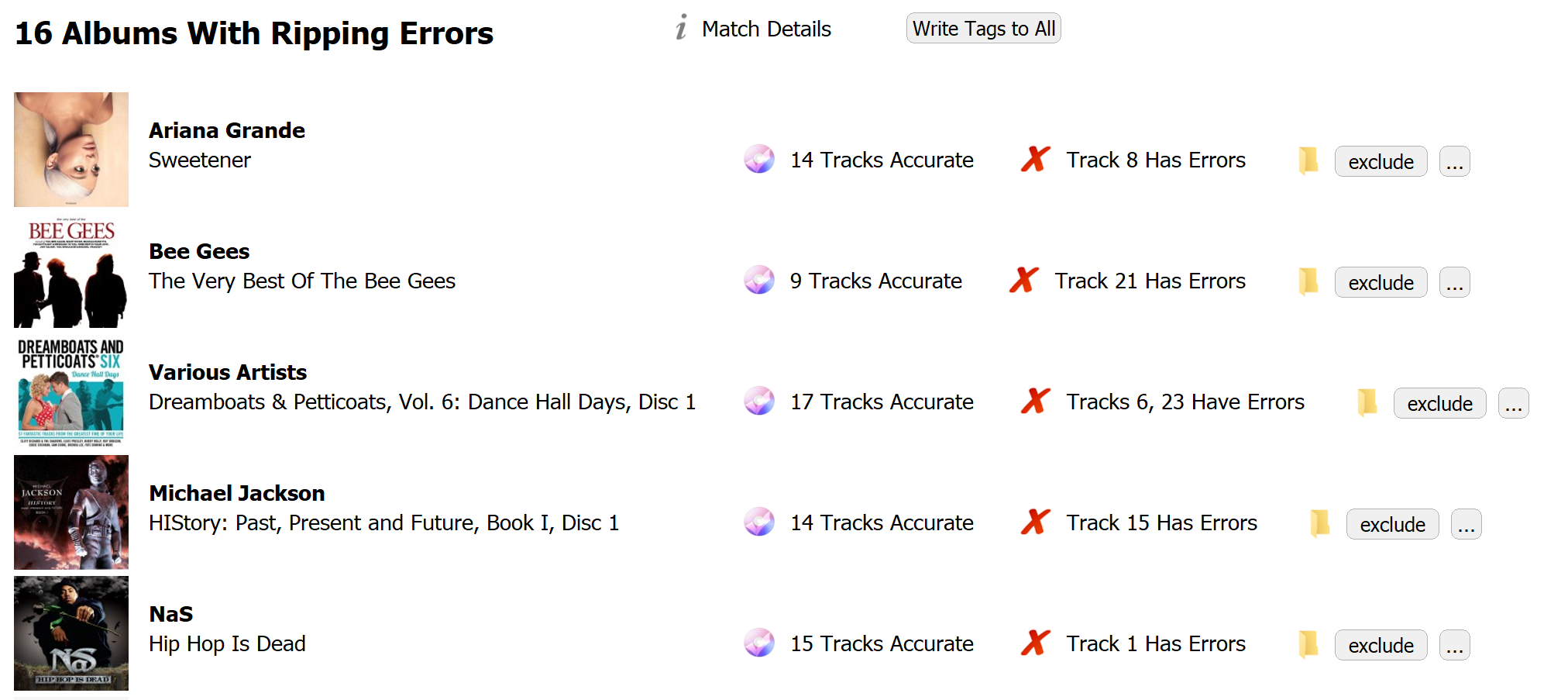
These albums have ripping errors, and were checked against AccurateRip's online database.
Try cleaning the disc and re-ripping, using a Secure Ripper, such as dBpoweramp which are able to try to recover ripping errors, by re-reading.
An album can be excluded from checking in the future with Exclude.
Write Tags To All will update the AccurateRip ID tags with later details of the match / miss-match.
Albums Accurately Ripped
These albums are error free, verified by AccurateRip. The Match Details page lists the confidence of the match, if you have not submitted that disc previously to AccurateRip, a match with confidence of 1 or more is all that is needed. If you have submitted the disc, you might be matching your own submission, so a confidence of 2 or more would be required.
Albums Cannot Check
Albums which cannot be checked, the reason why will be given.
Options
The spanner icon in the top corner gives access to the following options.
Use AccurateRipResult from ID Tag speeds up AccurateRip by using the result tag (if ripped by dBpoweramp).
Delete Corrupted Files to Recycle Bin will on manual deletion of corrupted files try to send to Recycle / Trash.
Confirm Corrupted File Deletion remove check to remove the confirmation of the deletion.
Skip AccurateRip Reporting Not Lossless CD Quality Files disables the reporting of tracks which are not CD quality: 44.1KHz 16 bit
Require Confidence 2 or More For AccurateRip Match is useful if you have submitted your ripping results to AccurateRip in the past, it sets the required match to be 2 or more.
Decode all songs, report corrupted files this option does not use AccurateRip ID Tags, instead the files are decoded, as such will take longer to verify a collection.