
dBpoweramp Video Converter
Hints:
dBpoweramp Video Converter exists to simplify video conversion, major and new emerging formats are supported.
Videos can be processed during conversion: resize, boost saturation, etc. Batch convert folders of videos from one format to another in a few clicks.
dBpoweramp is free from spyware, malware and trojans, we bundle no other programs.
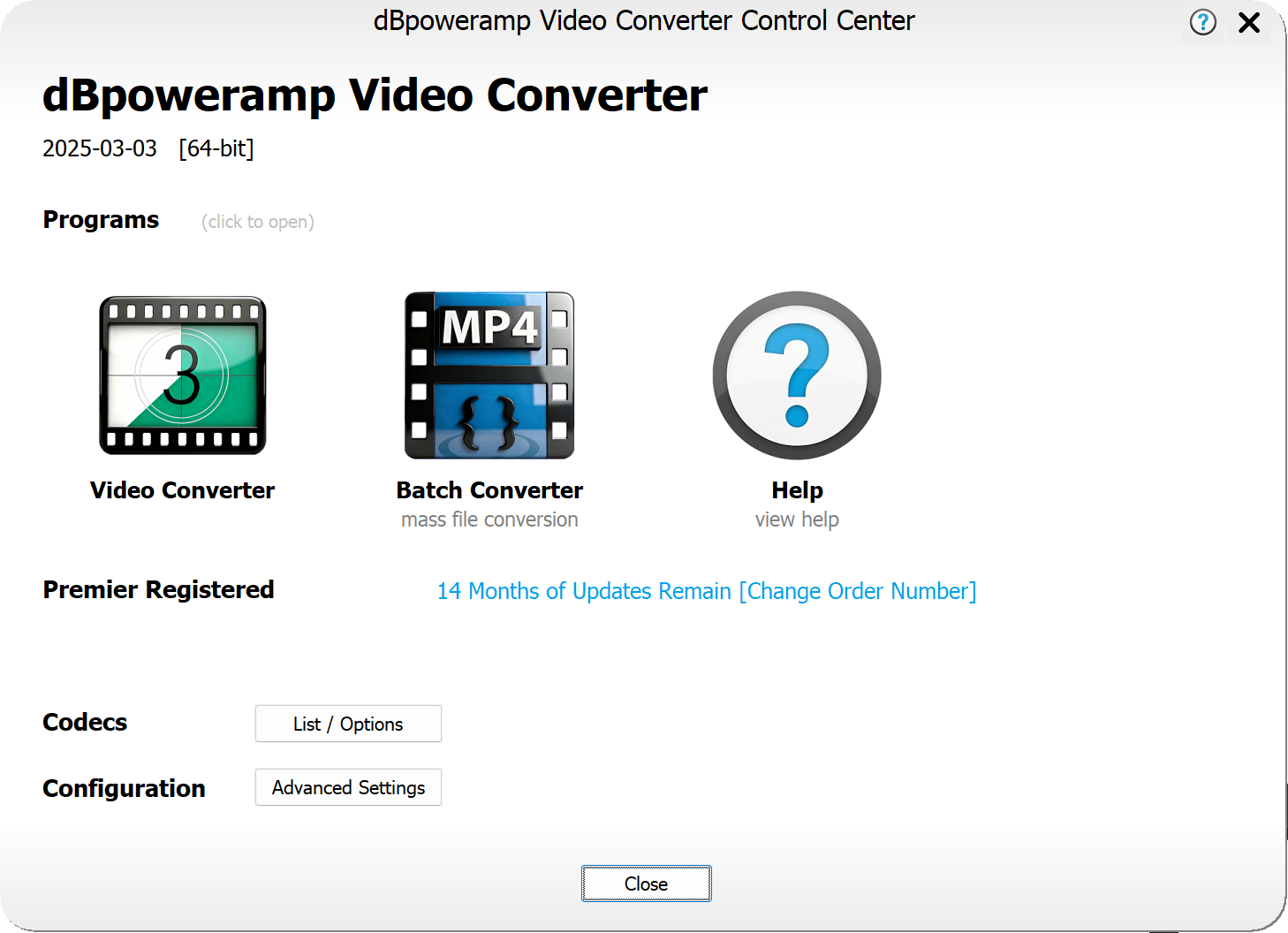
Throughout Video Converter is this  help icon, click to show relevant help for that part of the program.
Newly registered? downloads are pre-registered, install over the trial.
Ensure Control Center has your new order number to enable automatic update checks, especially if purchased an update extension.
help icon, click to show relevant help for that part of the program.
Video Converter Guide
|
Video Converter Reliable Pro Video Conversion |
Batch Converter Convert folders of videos effortlessly |
||
 |
|
 |
|
|
|
|
||
 |
dBpoweramp Control Center Help |
 |
Windows / macOS Integration Help |
|
|
|
||
 |
|
|
|
Encoders
Video Converter can convert to the following formats:
Additional Utility Codecs, rather than encode a specific format, perform actions:
 |
3GP | Mobile phone orientated format [.3gp] |
 |
AVI | Audio Video Interleaved (AVI) [.avi] |
 |
Flash | Previously popular internet video format [.flv] |
 |
GIF Animation | Animated image format [.gif] |
 |
JPEG 2000 | Lossless Preservation [.mxf] |
 |
Matroska | Popular container [.mkv] |
 |
MOV (Quicktime Movie) | Including Apple ProRes [.mov] |
 |
MP4 | Most used video container (h264, h265, AV1) [.mp4] |
 |
VOB | Associated with DVD [.vob] |
 |
webm | HTML5 format [.webm] |
 |
WebP Animation | Animated image format [.webp] |
 |
Windows Media Video (WMV) | Microsofts video format [.wmv] |
 |
Audio Extract | Extracts the Audio Element from a video [.wav] |
 |
[Multi-Encoder] | Encode to two or more formats at the same time [various] |
 |
[Contact Sheet] | Creates a contact sheet from a video [.png] |
 |
[Preview Generator] | Makes a short preview from a video, animated webp or GIF can be used [various] |
Version History
Complete changes for each update. [Windows Version Changes] [macOS Version Changes].
Folder Permissions
If your system is restricting access to your music library, then manually add permissions to the Operating System. [ macOS] [ Windows ]
Uninstalling
Uninstall by choosing Start >> type: Installed Apps or on macOS open finder, browse to Applications and drag the application to the trash can.
Copyright © illustrate All Rights Reserved