 | [Multi Encoder] Encoder |
Multi Encoder is able to encode using two or more encoders simultaneously.
Compression Options
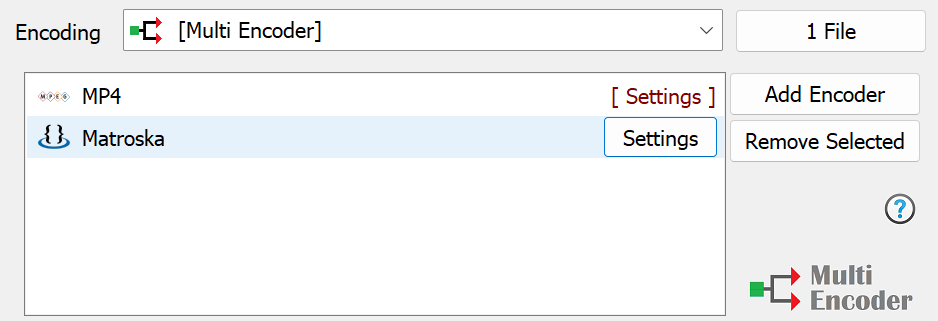
Add Encoder adds a new encoder, the encoder selection page is very similar to Video Converters:
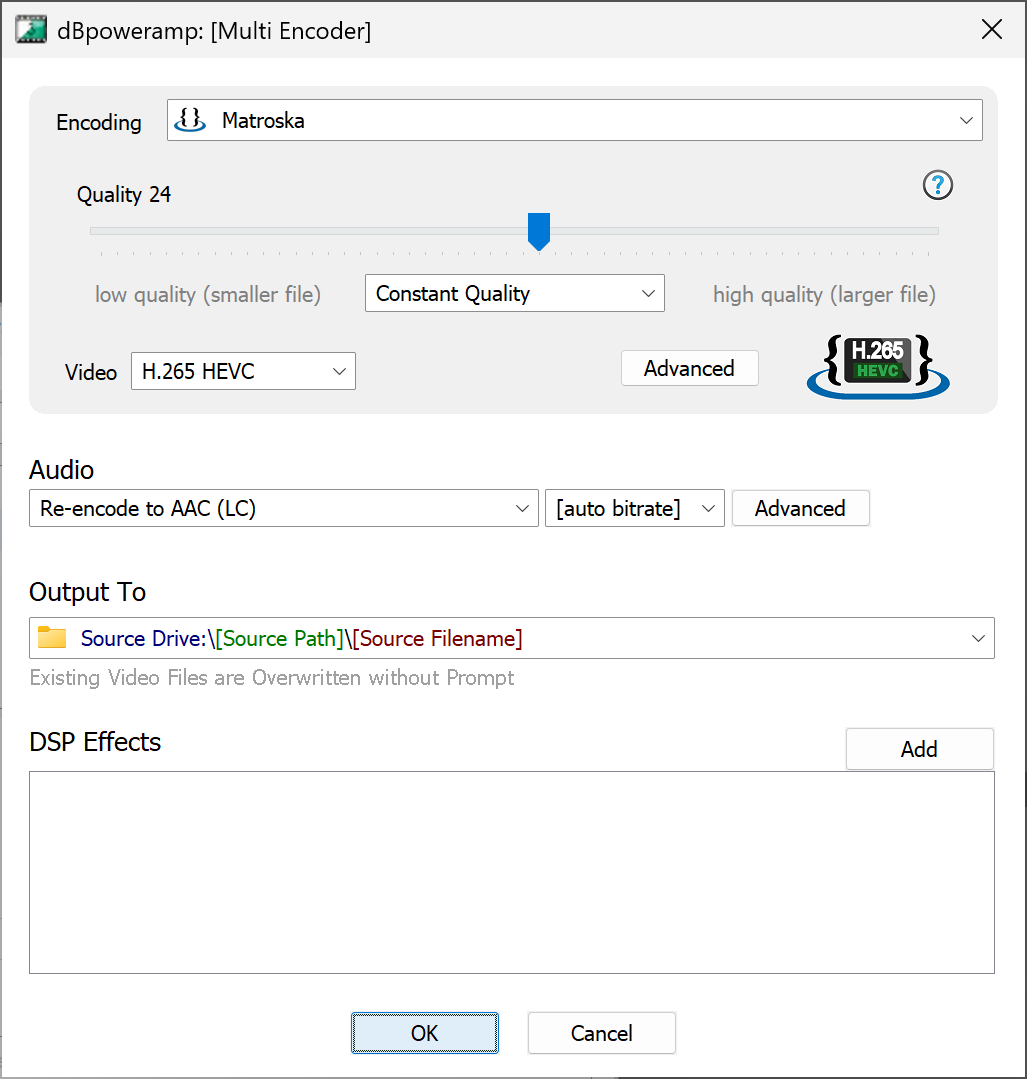
Output To sets the folder and file naming converted files are saved:
- Existing Source Folder: converted tracks are
written to same folder as the source file,
- Single Folder: all files written to a single
folder of your choosing,
- Preserve Source Path: allows the selection of a
base drive or folder, into which the full source path is added and
source filename,
- Edit Dynamic Naming substitutes programmable
elements, such as [artist] and replaces with real values from the ID
Tags. dynamic is very flexible. Further Naming Details
Important: When using multi-encoder the source video file (file converting from) must not be overwritten, this can lead to unpredictable results.
DSP Effects just as with Video Converter DSP effects, or actions (such as changing the ID Tags) can take place whilst converting.