
Asset UPnP { Help Index > QNAP Specifics }
Installation
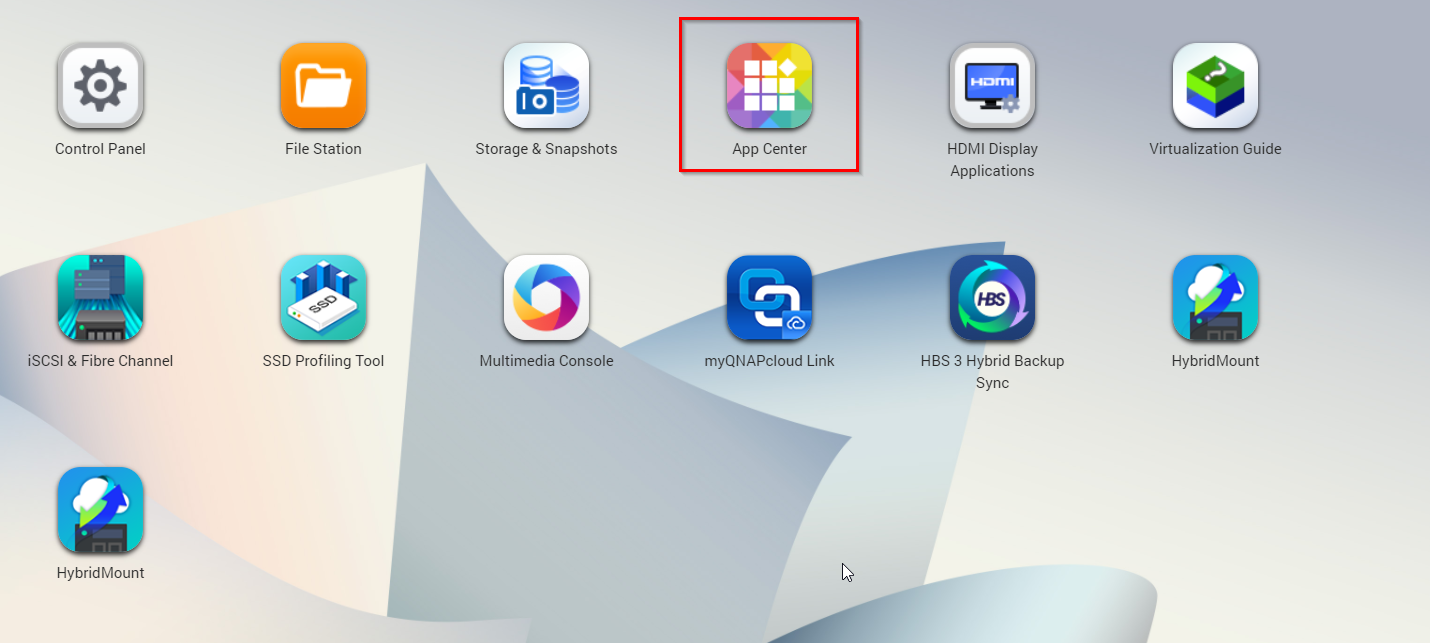
Asset is installed by loading the correct qpkg (QNAP install package), download to your computer. Then browse to the QNAP web configuration page and choose App Center:
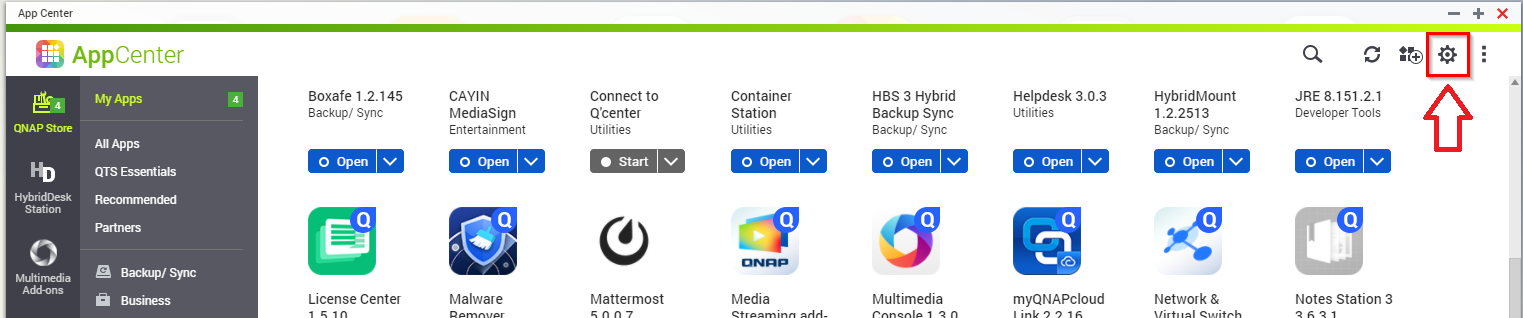
Next click on the settings icon (top right):
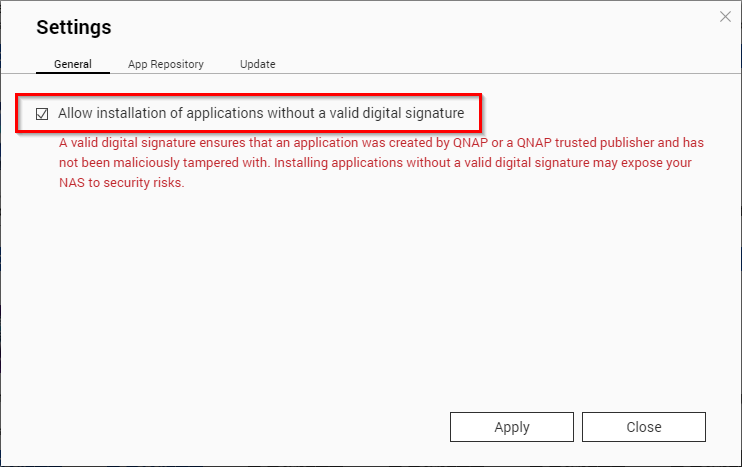
In General check allow installation of applications without a valid digital signature:
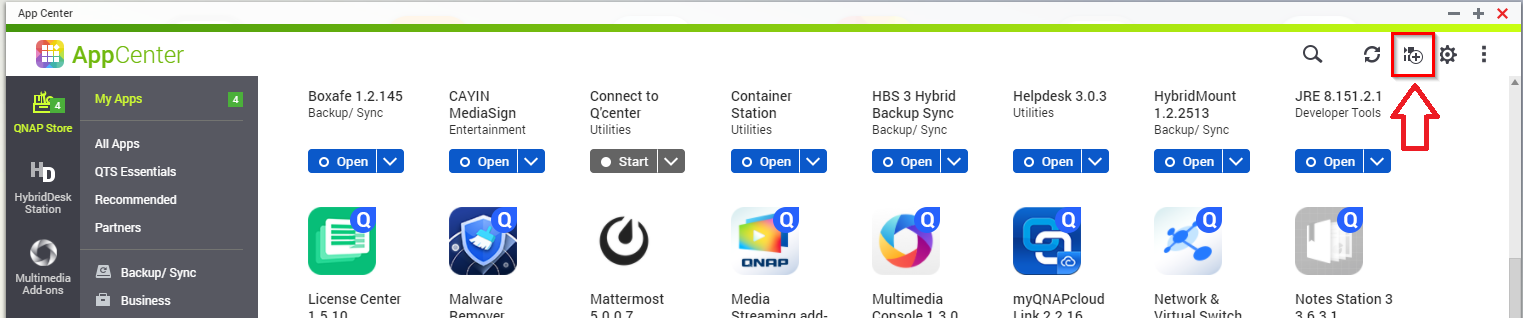
Finally choose this option and click browse to select the install file you have downloaded, then install:
Asset will automatically run and index the audio in the Music folder of the NAS.
Important: if upgrading from trial to registered, restart the qnap after installation.
Configuring Asset
Asset appears as an icon in App Center, clicking Open allows the configuration to be changed through the web configuration page.
If audio on the QNAP is in a non-standard folder, see the non-standard qnap audio guide.
Configuration Files
The location of Assets configuration files are: /share/MD0_DATA/.qpkg/Asset/bin/.dBpoweramp/