dBpoweramp Music Converter { Help Index > [ReplayGain] Utility Codec }
Calculates and adds ReplayGain ID Tag values to already existing audio tracks, which can be used by a compatible player to adjust the volume on playback so all tracks have similar loudness.
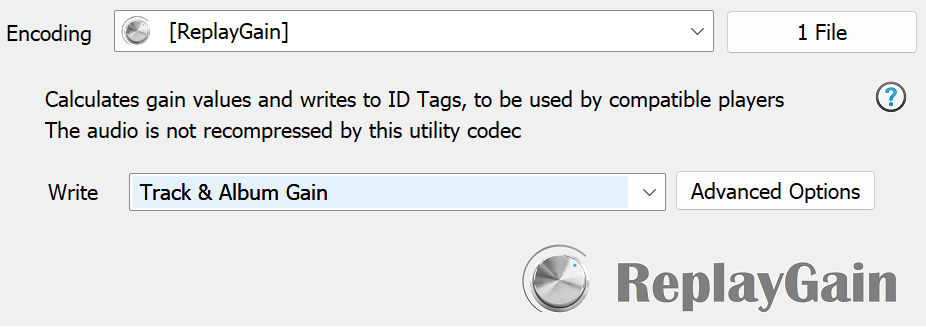
This utility codec works best with Batch Converter, select your whole library in one click then convert to [ReplayGain] and the gain values will be calculated and written to the ID tags.
Options
There are two types of gain values, TrackGain which is calculated solely for that track, and AlbumGain which takes all the tracks on an album and calculates relative to one another,
an intentionally quiet track on an album, stays quieter.
The ability to store Replay Gain tags depends upon audio format used and ID Tagging method.
To add ReplayGain values whilst encoding new audio tracks use the Replay Gain DSP effect instead.
The
Write option specifies which tags are written, including iTunes compatible tags.
The advanced page enables fine tuning of options, from the calculation method (EBU R128 is recommended), to the reference loudness (-18LUFS).
Albums can be defined as the album ID tag, or if the tracks do not have ID Tags, group all tracks in the same folder as an album.
It is also possible to
disable the clip prevention (not recommended).
Preserve Date Modified File Time will keep the last write date the same after the tags are updated.
True Peak oversamples the audio, in the same way an oversampling DAC might do, which has higher potential clipping.
Command Line
It is not possible to use this utility codec from the command line.